How Do Smart Home Devices Affect Your Internet Speed?
Smart thermostats, video doorbells, connected lightbulbs, and voice assistants all make life easier, but there’s one thing they all have in common. They rely on your internet connection to work. So how do smart home devices affect your internet speed? It depends on how your home network is set up, how fast your internet plan is, and how many devices are active at once.
Smart Homes Depend on Consistent Bandwidth
Every Device Shares Your Network
Your internet plan comes with a maximum speed, measured in megabits per second (Mbps). That speed gets divided among every connected device. If your plan offers 50 Mbps, and ten devices are using it at once, each device may only get a fraction of that speed. Some devices use more bandwidth than others. A smart lightbulb might only use 0.1 Mbps when sending status updates, but a security camera could use 2 to 4 Mbps per stream, depending on resolution and whether it’s recording continuously or using motion activation.
Upload and Download Speeds Both Matter
Download speed affects activities like streaming, browsing, and gaming. Upload speed is what matters when devices are sending data. Smart home cameras, video doorbells, and cloud-connected sensors regularly push footage or updates upstream. If your upload speed is limited to 5 Mbps and your cameras are using 3 or 4 Mbps continuously, your video calls or file uploads could suffer. Many rural plans have low upload speeds, which can quickly become a bottleneck in a smart home.
What Devices Impact Speed the Most?
Streaming Security Cameras and Video Doorbells
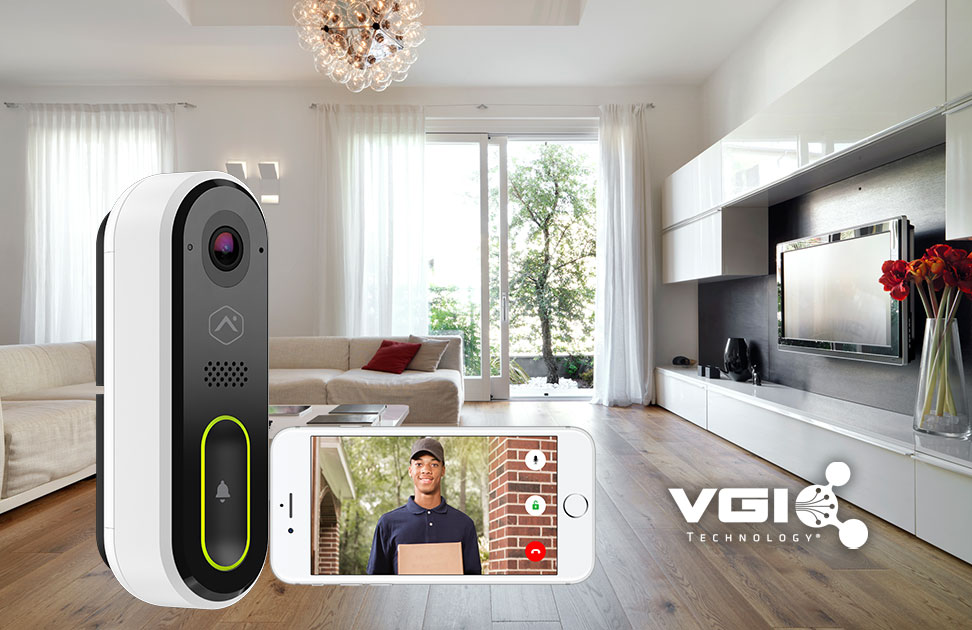
Wi-Fi-enabled cameras and doorbells are some of the biggest bandwidth consumers in a smart home. According to Arlo, their 1080p cameras can use 1 to 2 Mbps per device. If you have three cameras running simultaneously, that’s up to 6 Mbps just for security feeds. In homes with limited speeds, these cameras can crowd out other devices, especially if they’re uploading clips to the cloud every time motion is detected.
Smart TVs, Consoles, and Speakers
Smart entertainment systems usually draw more bandwidth when people are actively using them. Streaming a 4K movie can require 15 to 25 Mbps, depending on the platform. If someone is watching Netflix in the living room, another is gaming online in the den, and your smart camera is recording in the background, a 25 Mbps plan might max out quickly. Even audio speakers like Sonos or Echo devices contribute to overall traffic, especially when streaming music in multiple rooms.
Voice Assistants and Always-On Devices
Voice-controlled hubs like Google Nest or Amazon Echo use small but constant amounts of bandwidth. Each command might only use a few kilobytes, but if your home has ten of these devices connected and idle 24/7, they slowly chip away at your available resources. These devices also download firmware updates automatically, which can spike usage unexpectedly.
How to Tell If Smart Devices Are Slowing You Down
Look for Symptoms of Congestion
Laggy video calls, slow-loading web pages, or buffering streams can all point to bandwidth saturation. If these issues get worse when more smart devices are active, your network may be overloaded. In homes with basic service plans and a growing collection of smart devices, it’s not uncommon to run out of bandwidth during peak hours.
Use Monitoring Tools
Most modern routers come with dashboards that show which devices are connected and how much data they’re using. Some allow you to set limits, pause activity, or prioritize certain connections. If you’re using a fixed wireless connection from a rural internet provider, these settings are often the first step in improving smart home performance.
Apps like Fing or your ISP’s official app can also track device activity. This visibility makes it easier to understand whether a specific camera or smart hub is hogging bandwidth in the background.
How to Protect Your Internet Speed
Upgrade Your Internet Plan
As your network grows, your internet plan may need to grow with it. A home with 30 connected devices—including lights, speakers, thermostats, phones, and tablets—will likely need at least 100 Mbps to function smoothly. For upload speed, aim for at least 10 Mbps if you use multiple smart cameras. As an internet provider in San Angelo, VGI Technology works with families to choose the right speed tier based on usage.
Install a Modern Router
Even with a fast connection, an old router can be a limiting factor. If your router only supports 802.11n Wi-Fi, you might not be getting full speed on newer devices. Dual-band or tri-band routers help separate high-traffic smart devices from other equipment. Many modern routers also let you create guest networks, which can keep certain devices from interfering with your core home functions.
Use Wired Where Possible
Wired connections are faster and more stable than Wi-Fi. If your smart TV or gaming console is near your router, plugging it in can take pressure off the wireless network. That frees up more bandwidth for smart devices that require Wi-Fi, such as outdoor cameras or wireless sensors.
What If You Live in a Rural Area?
Many rural homes rely on fixed wireless internet, which delivers solid speeds without needing buried lines. But fixed wireless still has speed limits, and line of sight can affect performance. If your connection feels stretched thin, your provider may be able to improve your antenna setup or recommend upgrades

- A Comparison of Fixed Wireless and Starlink For Rural Homes in Texas - May 29, 2025
- How to Boost Your Wi-Fi Signal in a Large House - May 24, 2025
- Data Caps vs Unlimited Internet Plans? Here’s the Truth - May 21, 2025